Peakiq Blog
How to Implement a Custom Native Splash Screen in Flutter 2026
Step-by-step guide to implementing a custom native splash screen in Flutter using flutter_native_splash. Includes async loading, code examples, YAML setup, and Android/iOS configuration.
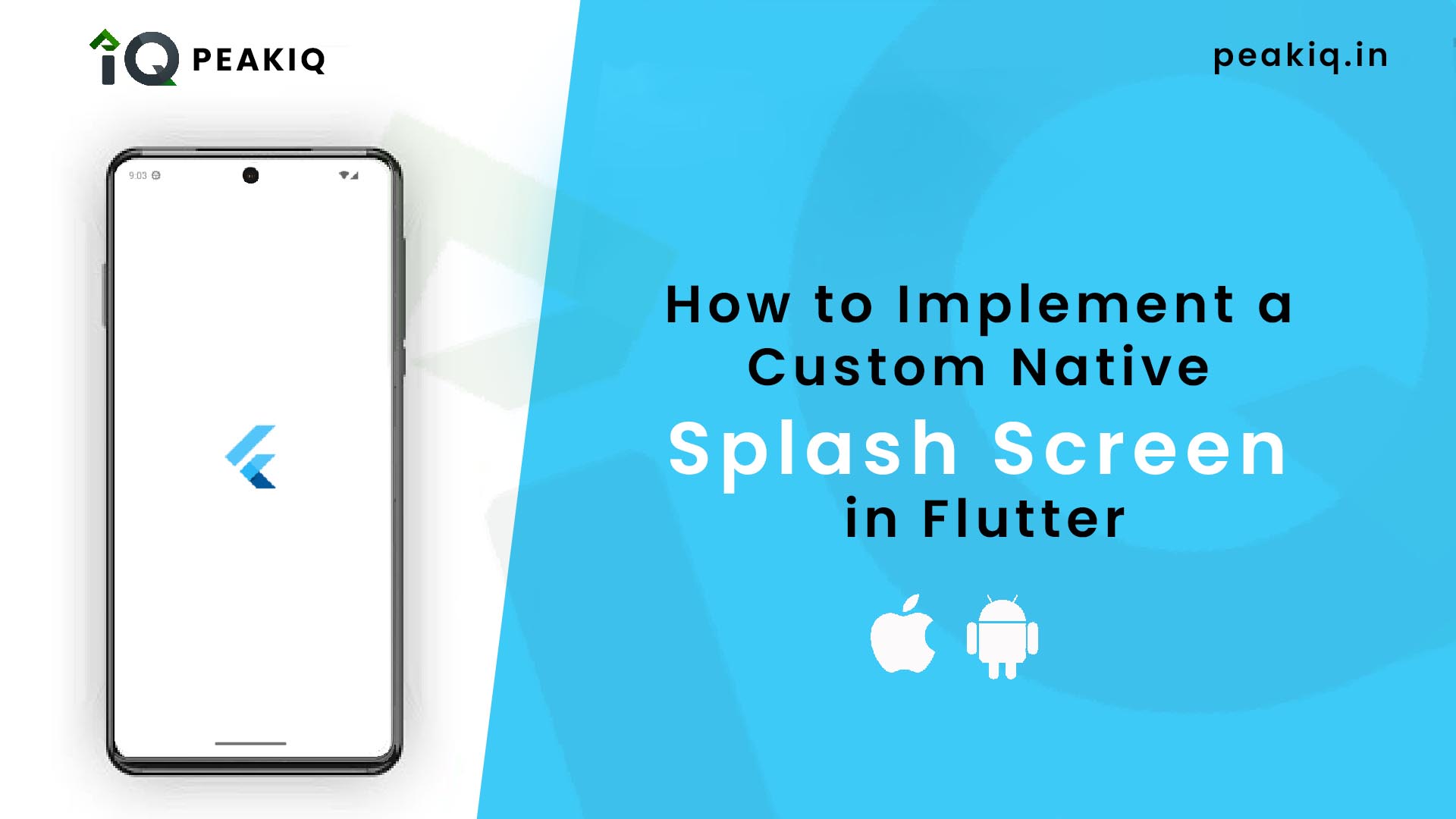
🚀 Introduction
A splash screen is the first thing users see when they open your app. In Flutter, you can create a fast, native splash screen that appears instantly—before Flutter even loads. The flutter_native_splash package makes this easy and highly customizable.
In this tutorial, we’ll create a custom native splash screen, configure colors, and programmatically remove it only when your app is fully ready.
📦 Step 1: Install the flutter_native_splash Package
Add this in your pubspec.yaml:
dev_dependencies:
  flutter_native_splash: ^2.4.7
Run:
flutter pub get
🎨 Step 2: Create the Splash Configuration File
Create a file named flutter_native_splash.yaml and add:
flutter_native_splash:
  color: "#000000"
  fullscreen: true

android_12:
  color: "#000000"
  icon_background_color: "#111111"
This configuration:
- Sets a black background
- Enables full screen mode
- Adds special styling for Android 12 and above
Then apply the splash:
flutter pub run flutter_native_splash:create
🧠 Step 3: Preserve and Hide the Splash Screen Programmatically
Flutter loads quickly, but sometimes you need to wait for async tasks like:
- Loading user data
- Initializing local storage
- Fetching APIs
- Setting app configurations
For that, use:
preserve()→ Hold the splash until you're readyremove()→ Hide the splash and show the actual UI
✔️ Full Working Example
import 'package:flutter/material.dart';
import 'package:flutter_native_splash/flutter_native_splash.dart';

void main() {
  WidgetsBinding widgetsBinding = WidgetsFlutterBinding.ensureInitialized();
  FlutterNativeSplash.preserve(widgetsBinding: widgetsBinding);
  runApp(const MainApp());
}

class MainApp extends StatefulWidget {
  const MainApp({super.key});

  @override
  State<MainApp> createState() => _MyAppState();
}

class _MyAppState extends State<MainApp> {
  @override
  void initState() {
    super.initState();
    hideSplash();
  }

  void hideSplash() async {
    print("showing splash...");
    await Future.delayed(const Duration(seconds: 3)); // Simulate loading
    print("hide splash");
    FlutterNativeSplash.remove();
  }

  @override
  Widget build(BuildContext context) {
    return const MaterialApp(
      home: Scaffold(
        backgroundColor: Colors.white,
        body: Center(
          child: Text("Native Splash"),
        ),
      ),
    );
  }
}
🧩 How the Code Works
🛑 FlutterNativeSplash.preserve()
Prevents the splash from disappearing automatically.
🏁 FlutterNativeSplash.remove()
Removes the splash after your async operations finish.
🕒 Delay
In real apps, replace the Future.delayed() with:
- API calls
- Local storage initialization
- Feature flags
- User session validation
🎯 Tips for Production Apps
✔ Add your app logo using image: assets/logo.png
✔ Add dark/light theme splash screens
✔ Use different images or colors for iOS/Android
✔ Re-run the creation command after every YAML update
✔ Add a background gradient using a custom drawable (Android)
🖼 Final Result
- Native splash screen loads instantly
- It stays visible during initialization
- You get a smooth, professional app load experience
📌 Conclusion
Using flutter_native_splash, you can build a clean and customizable native splash screen with full control over when it disappears. This dramatically improves your app’s perceived performance and user experience.