Peakiq Blog
Managing Background Downloads, Unzipping Files, and Notifications in React Native
A comprehensive guide to handling background downloads, ZIP extraction, and user notifications in React Native using react-native-background-downloader, react-native-zip-archive, and react-native-notifications.
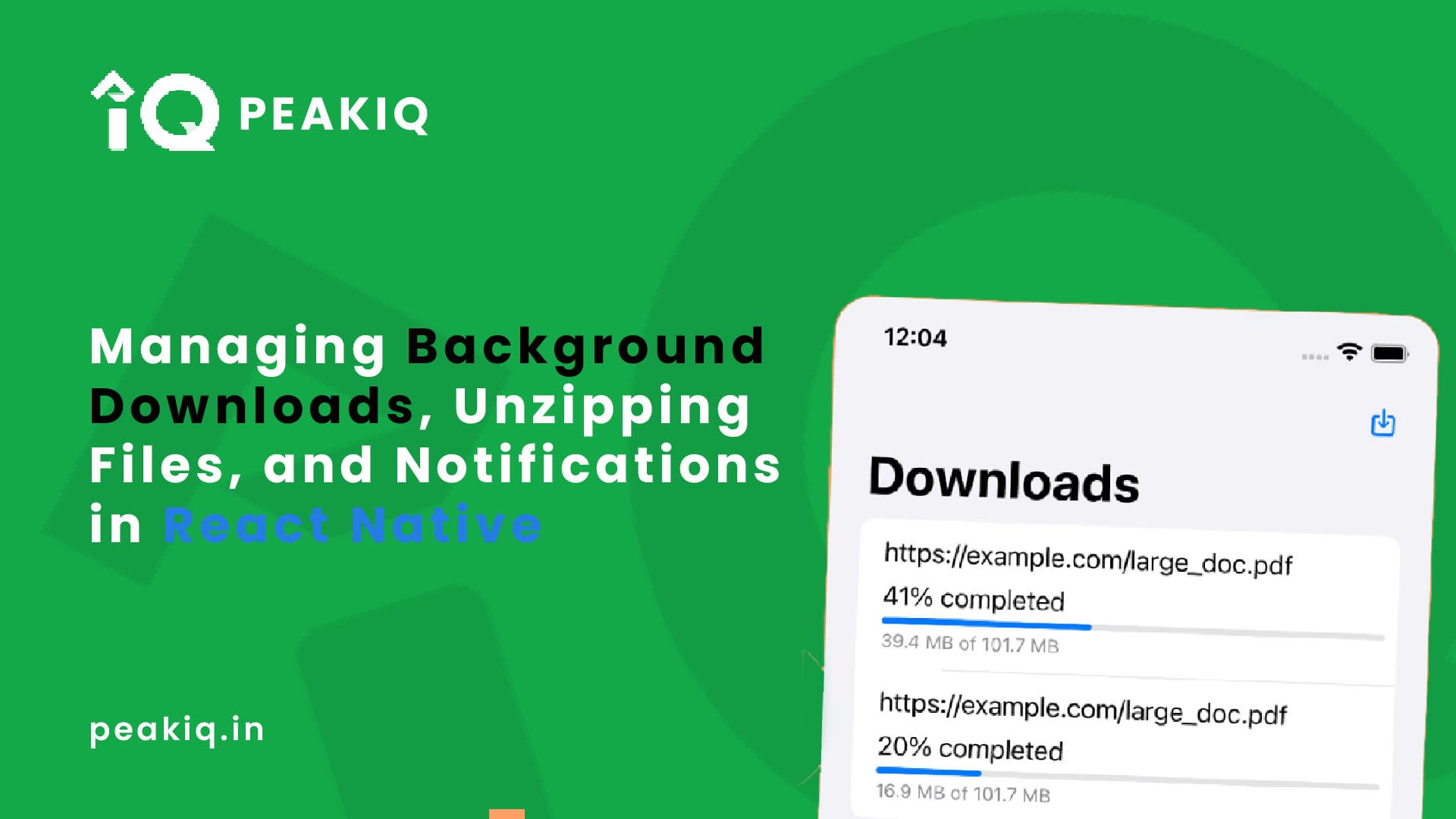
Setting Up Your React Native Project
First, ensure you have a React Native project set up. If not, you can create one using:
npx react-native init MyApp
1. Install Required Libraries
We’ll be using the following libraries:
react-native-background-downloaderfor background downloadsreact-native-zip-archivefor unzipping filesreact-native-notificationsfor local notificationsreact-native-fsfor file system operations
Install these libraries using npm or yarn:
npm install @kesha-antonov/react-native-background-downloader react-native-zip-archive react-native-notifications react-native-fs
or
yarn add @kesha-antonov/react-native-background-downloader react-native-zip-archive react-native-notifications react-native-fs
2. Configure Libraries
Make sure to follow the configuration instructions for each library, especially for setting up permissions on iOS and Android.
3. Implementing Background Downloads
We’ll start by setting up background downloads using react-native-background-downloader. Here’s a complete example of a React Native component that handles downloading, unzipping, and notifying the user:
import React, { useState, useEffect } from 'react';
import { Layout, Text, normalize } from 'component';
import { CustomThemeProps } from 'config/theme';
import { useThemeToggle } from 'hooks';
import styled from 'styled-components/native';
import I18n from 'i18';
import { View } from 'react-native';
import * as Progress from 'react-native-progress';
import { Notifications } from 'react-native-notifications';
import RNBackgroundDownloader from '@kesha-antonov/react-native-background-downloader';
import { unzip } from 'react-native-zip-archive';
import RNFS from 'react-native-fs';

const ToggleButton = styled.TouchableOpacity`
  background-color: ${({ theme }: CustomThemeProps) => theme.BUTTON_BG_COLOR};
`;

const ToggleButtonText = styled(Text)<{ FontSize: number }>`
  color: ${({ theme }: CustomThemeProps) => theme.BUTTON_TEXT_COLOR};
  font-size: ${(prop: { FontSize: number }) => `${normalize(prop.FontSize)}px`};
`;

const TextDesc = styled(Text)<{ color?: string }>`
  margin: ${normalize(2)}px;
  color: ${({ theme, color }: CustomThemeProps & { color?: string }) =>
    color ? color : theme.BUTTON_TEXT_COLOR};
  padding: 12px;
  font-weight: bold;
  background-color: ${({ theme }: CustomThemeProps) => theme.BUTTON_BG_COLOR};
  margin: 10px;
`;

const Login: React.FC = () => {
  const { toggleTheme, ThemeName } = useThemeToggle();
  const [ProgressLoad, SetProgressLoad] = useState<number>(0);

  useEffect(() => {
    // Request notification permissions for iOS
    Notifications.registerRemoteNotifications();
    checkExistingDownloads();
  }, []);

  const checkExistingDownloads = async () => {
    const existingTasks = await RNBackgroundDownloader.checkForExistingDownloads();
    const existingTask = existingTasks.find(task => task.id === 'file_11111');

    if (existingTask) {
      console.log(`Task ${existingTask.id} is already in progress or completed.`);
      existingTask
        .progress(({ bytesDownloaded, bytesTotal }) => {
          const progress: number = bytesDownloaded / bytesTotal;
          SetProgressLoad(progress);
        })
        .done(() => {
          console.log('Existing download is done!');
        })
        .error(error => {
          console.log('Existing download error: ', error);
        });
    } else {
      console.log('No existing task found, ready to start new download.');
    }
  };

  const sendLocalNotification = () => {
    const fireDate = new Date(Date.now() + 1 * 1000); // 1 second from now
    Notifications.postLocalNotification({
      body: 'File Uploading!',
      title: 'Your File Uploaded successfully done...',
      sound: 'chime.aiff',
      silent: false,
      category: 'SOME_CATEGORY',
      userInfo: {},
      fireDate: fireDate.toISOString(), // Converting to ISO string format
    });
  };

  const collectFilePaths = async (dirPath: string, filePaths: string[] = []): Promise<string[]> => {
    try {
      const contents = await RNFS.readDir(dirPath);
      for (const item of contents) {
        if (item.isDirectory()) {
          await collectFilePaths(item.path, filePaths);
        } else if (item.isFile()) {
          filePaths.push(item.path);
        }
      }
      return filePaths;
    } catch (error: any) {
      console.error('Reading directory failed:', error.message);
      throw error;
    }
  };

  const Download_and_Unzip = async () => {
    try {
      const Url = 'http://localhost:5005/download';
      const FilePath = await downloadFile(Url);
      const UnzipFolder = await unzip(
        FilePath,
        `${RNBackgroundDownloader.directories.documents}/file_${Date.now()}`,
      );
      const allFilePaths = await collectFilePaths(UnzipFolder);
      console.log({ allFilePaths });
      sendLocalNotification();
    } catch (error) {
      console.log(error);
    }
  };

  const downloadFile = (url: string) => {
    return new Promise<string>((resolve, reject) => {
      const destination = `${
        RNBackgroundDownloader.directories.documents
      }/file_${11111}.zip`;
      const task = RNBackgroundDownloader.download({
        id: `file_${11111}`,
        url: url,
        destination,
      })
        .progress(({ bytesDownloaded, bytesTotal }) => {
          const progress: number = bytesDownloaded / bytesTotal;
          SetProgressLoad(progress);
        })
        .done(() => {
          resolve(destination);
        })
        .error(error => {
          reject(error);
        });
    });
  };

  return (
    <Layout style={{ flex: 1 }}>
      <ToggleButton onPress={toggleTheme}>
        <ToggleButtonText FontSize={18}>
          {I18n.t('THEMEIS')} : {ThemeName}
        </ToggleButtonText>
      </ToggleButton>
      <View style={{ flex: 1, justifyContent: 'center', alignItems: 'center' }}>
        {ProgressLoad !== 0 && (
          <>
            <Text>{`Overall Progress: ${(ProgressLoad * 100).toFixed(2)}%`}</Text>
            <Progress.Bar progress={ProgressLoad} width={350} />
          </>
        )}
        <TextDesc onPress={Download_and_Unzip} FontSize={18}>
          Download
        </TextDesc>
      </View>
    </Layout>
  );
};

export default Login;
Explanation
- Background Downloads: We use
react-native-background-downloaderto manage file downloads in the background. ThedownloadFilefunction initiates the download, whilecheckExistingDownloadsverifies if a download task is already in progress. - Unzipping Files: After downloading, the
unzipfunction extracts the contents of the zip file. ThecollectFilePathsfunction recursively retrieves file paths from the extracted directory. - Notifications: We use
react-native-notificationsto notify users about the progress or completion of the download.
Conclusion
In this guide, we’ve covered how to manage background downloads, unzip files, and send notifications in a React Native app. By integrating these features, you can provide a more robust and engaging user experience. Feel free to customize and extend this implementation based on your app’s requirements.