Peakiq Blog
React Native hitSlop: Make Tiny Taps Easy
Understand how to use hitSlop in React Native to expand touchable areas, improve usability, and reduce missed taps—without changing button layout.
Editorial1 min read111 words
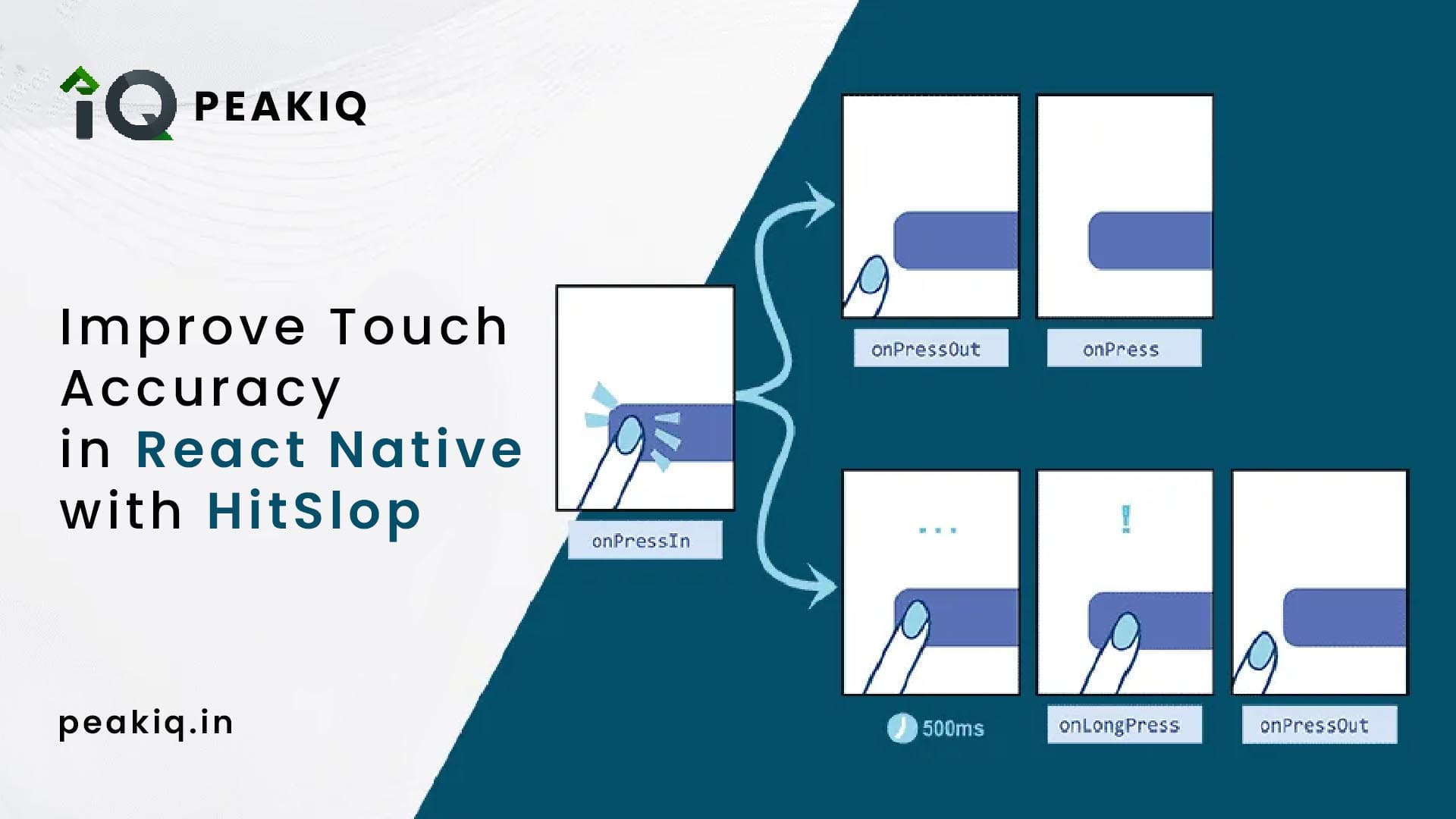
How it works
- You can pass a number → same padding on all sides.
- Or an object
{ top, right, bottom, left }→ custom expansion per side.
👉 It’s just invisible padding around the touch target.
Example: Close Button
import { Pressable, Text } from 'react-native';

export function CloseButton({ onPress }) {
  return (
    <Pressable
      onPress={onPress}
      hitSlop={10}   // expands tappable area by 10dp all around
      style={{ padding: 4 }}
      accessibilityLabel="Close"
      accessibilityRole="button"
    >
      <Text>✖</Text>
    </Pressable>
  );
}
Now, even if the user taps slightly outside the ✖ icon, it still works.
Why use it?
✅ Better usability
✅ Fewer missed taps
✅ No layout changes
Done ✅ — short and simple.